Interests are a neat way to add preset tags to your profile that lets other bators know what you're into. You can also find and contact other bators who are into the same. To add interests to your profile, follow the steps below.
Via mobile
Select the hamburger menu icon at the top left of the screen, then choose the tag icon from the menu displayed. You'll then see a page populated with interests. 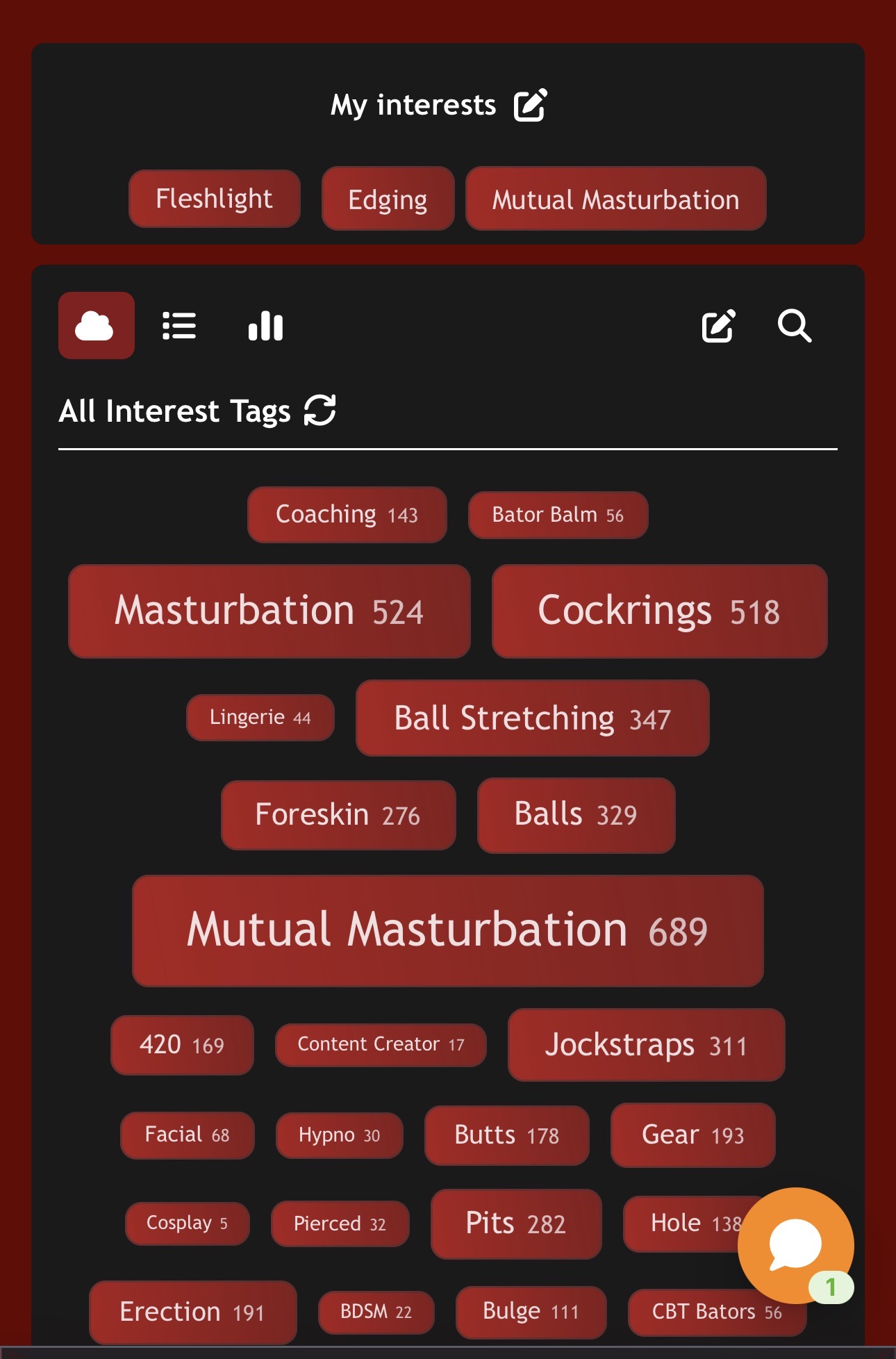
There are three ways to view list of interests, via a cloud view (as seen in the image above), by popularity/alphabetical and by all interests. Regardless of the type of view chosen, all available interests are displayed.
To add an interest - First select the edit icon next to 'My Interests' then add your interests from the list. When done, hit 'Save' and the interests you've selected will appear on your profile.
To remove any saved interests - Select the edit icon next to 'My Interests' then 'X' next to the interest to remove it. Don't forget to hit 'Save'.
To find other bators into the same interest - From the interests page, select any interest and a page will automatically load with all the bator profiles that have that interest added to their profile.
Via desktop
When logged into BateWorld, you'll see the interests icon from the main menu next to 'Cams'. Apply the same steps mentioned above.
‼️ The interests listed are preset and it's not currently possible to add your own. While we will be expanding the list in the near future, feel free to drop us a line letting us know your suggestions by opening a ticket.
Was this article helpful?
That’s Great!
Thank you for your feedback
Sorry! We couldn't be helpful
Thank you for your feedback
Feedback sent
We appreciate your effort and will try to fix the article